Get the Waypoint Budget App
Track your money on iPhone, Android, and the web. Download the app from the App Store or Google Play, or open it in any browser. Your budget stays in sync across every device.
Works on iPhone, Android, and desktop · Free plan available
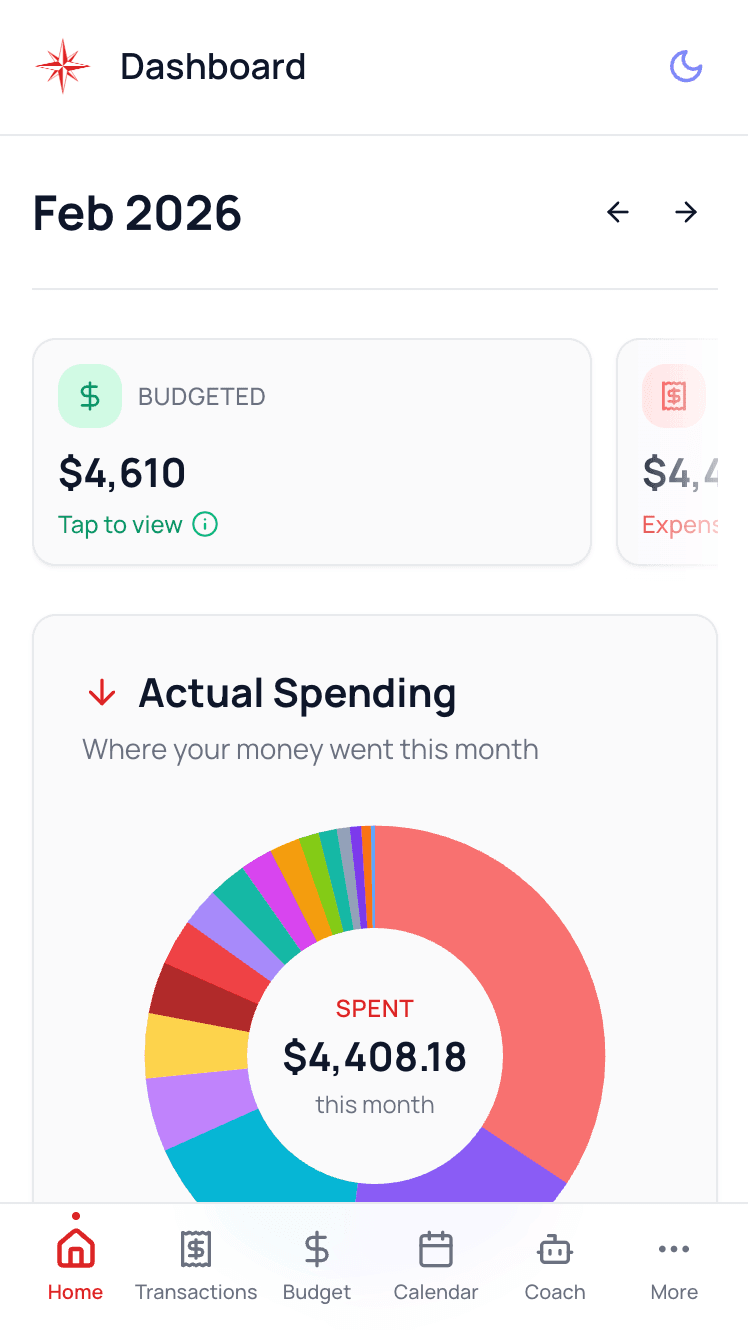
One budget, every device
Waypoint Budget follows you everywhere. Start on your phone, finish on your laptop, and it all stays in sync.
Native iOS & Android apps
Download from the App Store or Google Play and track your money wherever you are.
Works on desktop too
Prefer a bigger screen? Open Waypoint Budget in any browser on Mac, Windows, or Linux.
Always in sync
Your budget, transactions, and goals stay in sync across every device automatically.
Automatic bank sync
Securely connect your bank and watch new transactions land on their own.
Alerts that keep you on track
Push notifications for budget alerts, bill reminders, and weekly summaries.
Bank-level security
256-bit encryption and read-only bank connections keep your data safe.
Get Waypoint Budget your way
Grab the app on your phone, or jump straight in from your browser.
On your phone
Download the free app and create your account right inside it. Ready in under a minute.
On your computer
No download needed. Open Waypoint Budget in any browser and it works like a full desktop app.
Common Questions
Is the app free?
Do I need the app, or can I use the website?
Will my data sync across devices?
Do I get push notifications?
Which devices are supported?
Ready to take control of your budget?
Download the app or open it in your browser. Either way, you'll be set up in under a minute.
No credit card required · Free forever plan available