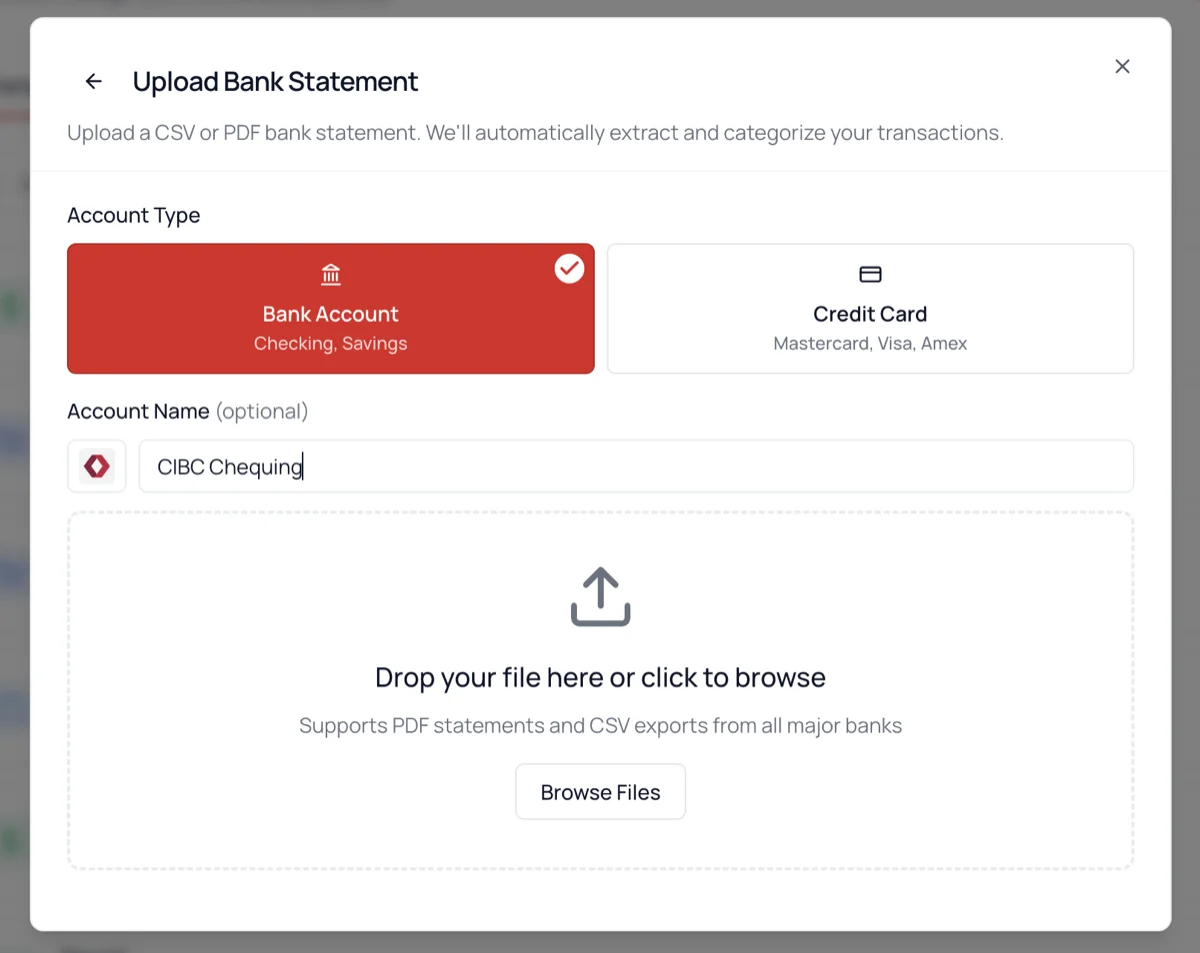
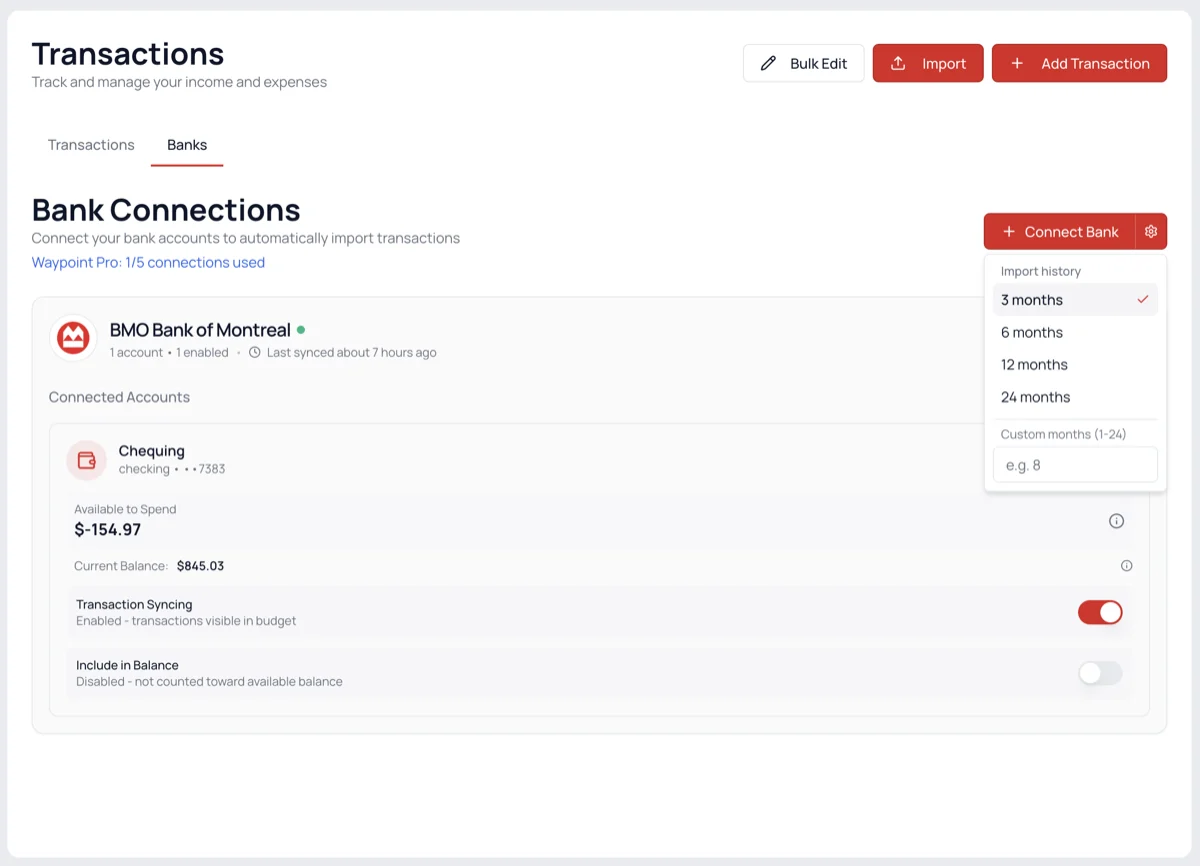
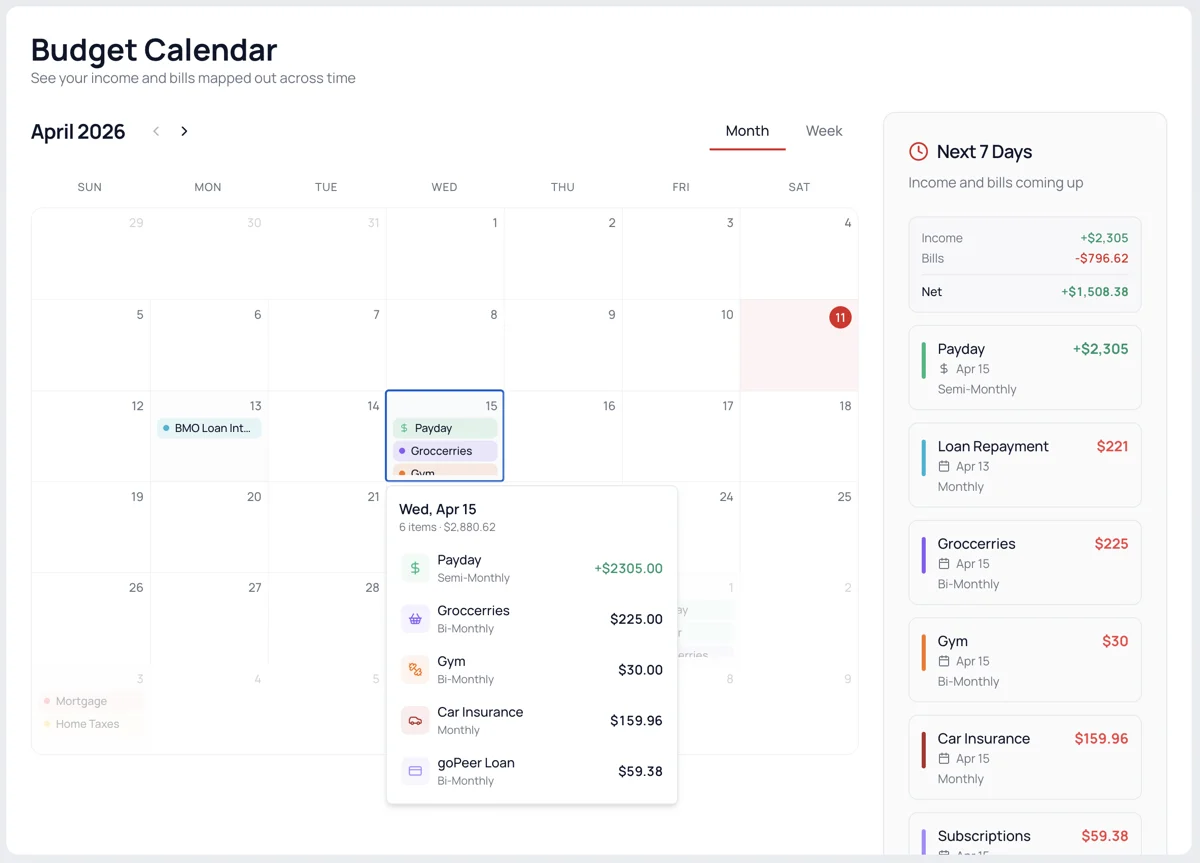
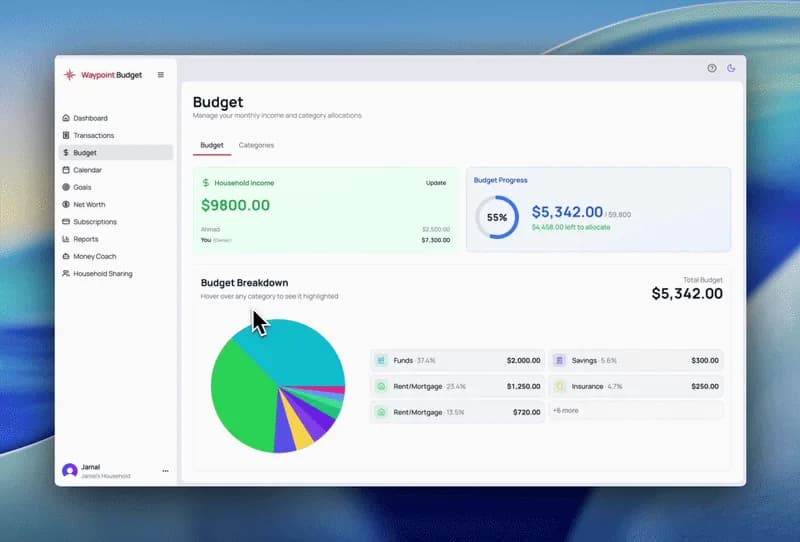
When we started building Waypoint Budget on evenings and weekends, we hoped a few hundred people might find it useful. Ten thousand of you now use it to manage your money.
That number still doesn't feel real to us. Every one of those accounts is someone who decided to trust us with something personal, and we don't take that lightly. Thank you.
We wanted to do something to mark the occasion, so we're giving away $1,000 CAD to help one lucky winner get closer to their financial goals, plus a one-year Pro subscription for five runners-up.
Entering takes about five minutes. We'll ask a few questions about your experience with Waypoint Budget: what's working, what isn't, and what you wish we'd fix. Every completed entry has an equal chance of winning, drawn at random. We're not judging your answers, and writing something nice won't improve your odds.
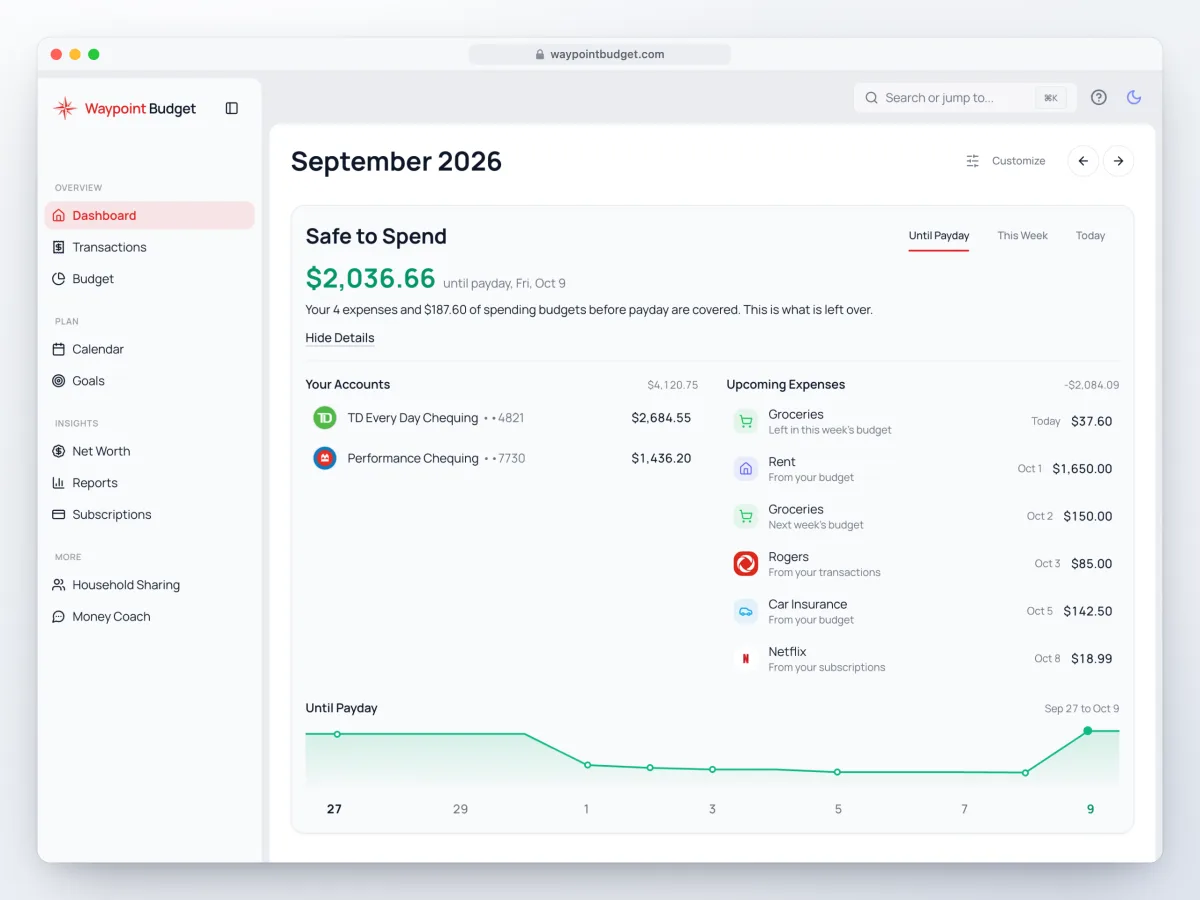
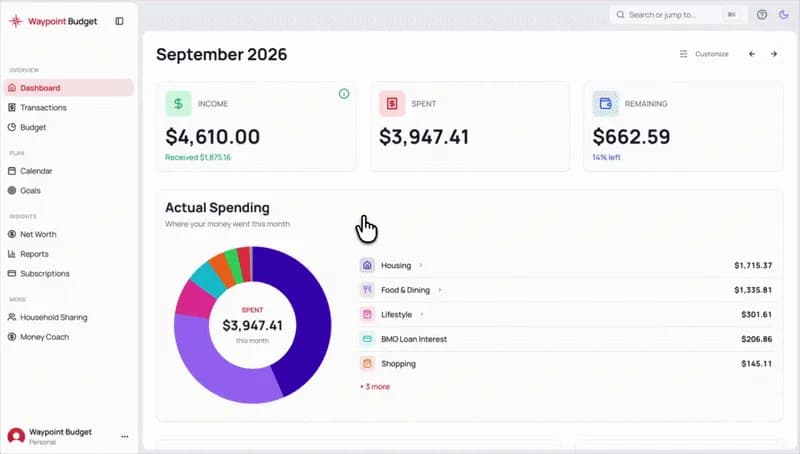
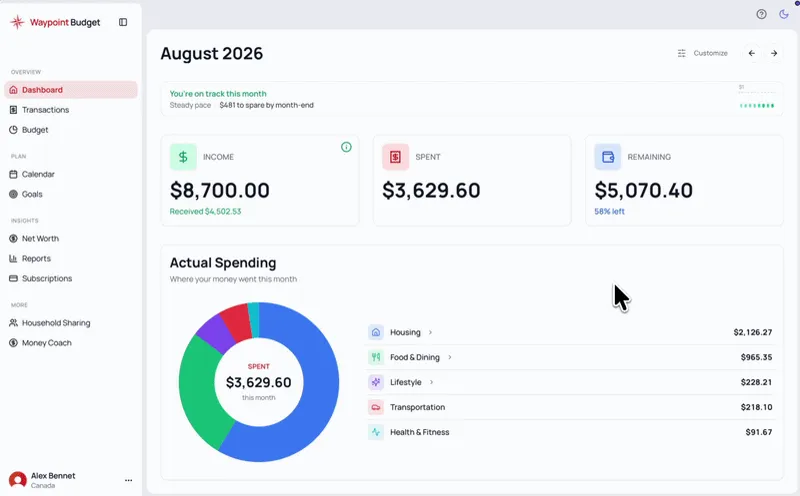
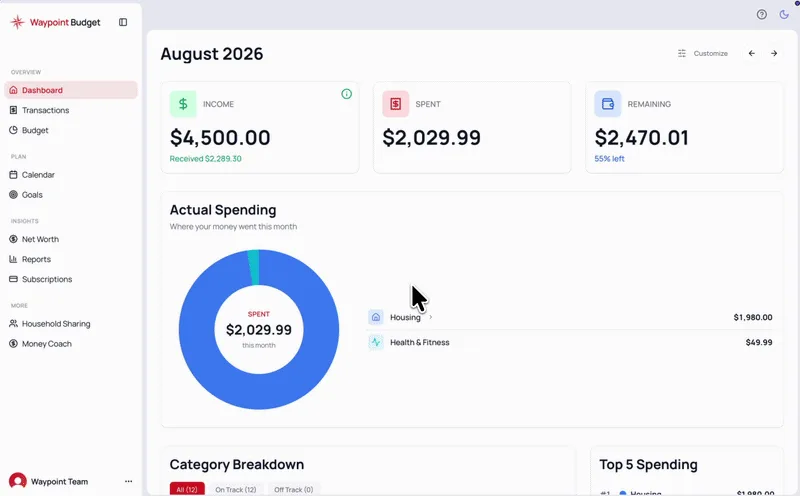
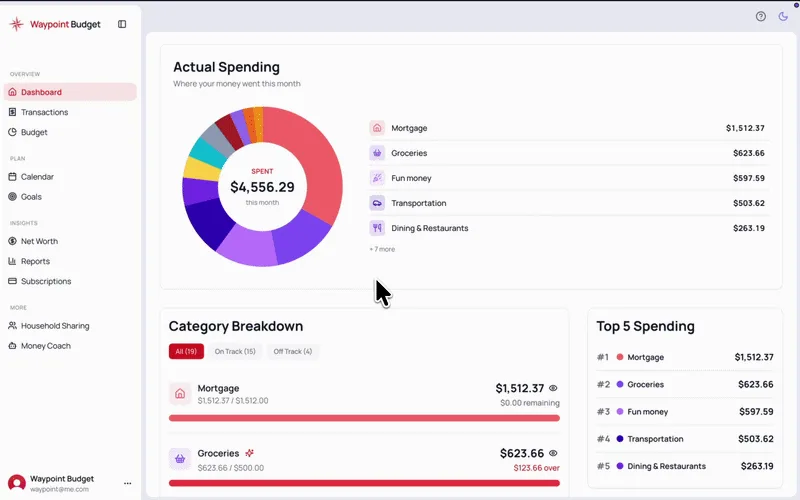
Free and paid users are equally eligible. To enter the giveaway, simply open Waypoint Budget to your dashboard and you can find the entry form at the top of the page.
The form closes October 11. We'll draw winners on October 18 and email winners that same day.
No purchase necessary. Open to Waypoint Budget users in Canada and the US who are the age of majority and joined at least one month before the giveaway opened. One entry per person. Six prizes, total value $1,649.95 CAD. Odds depend on the number of entries. Closes October 11, 2026.