Your Bank Won’t Connect
What to try when you can’t find your bank or the sign-in doesn’t go through
Bank won’t connect? Find what you’re seeing below.
Can’t Find Your Bank
Search by its short name, then its full name.
Not listed at all? Add it by hand and import its statements.
The Sign-In Doesn’t Work
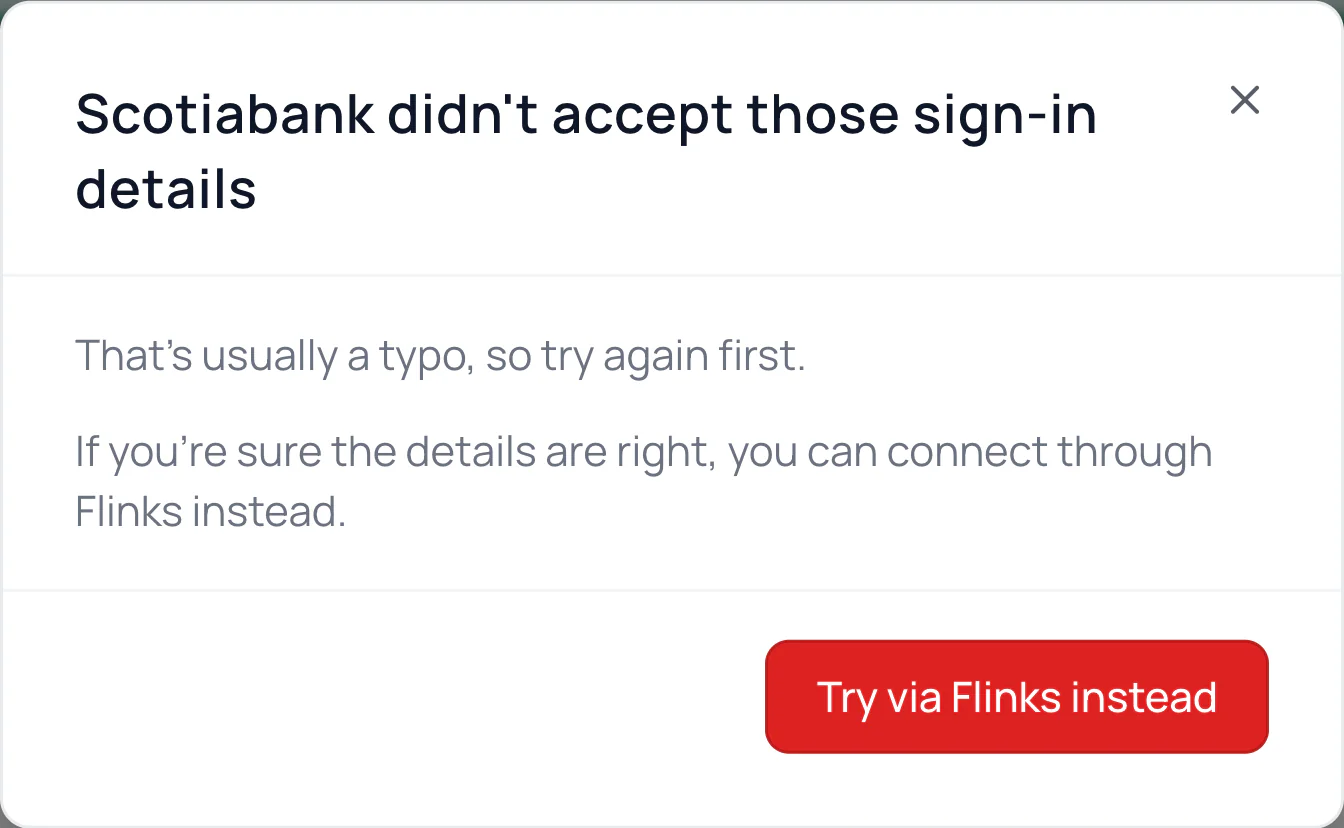
Use the username and password from your bank’s website, and try once more. Too many tries in a row can lock you out.
Locked out by your bank? Sign in on its website or app first, then connect again.
It Asks for a Code
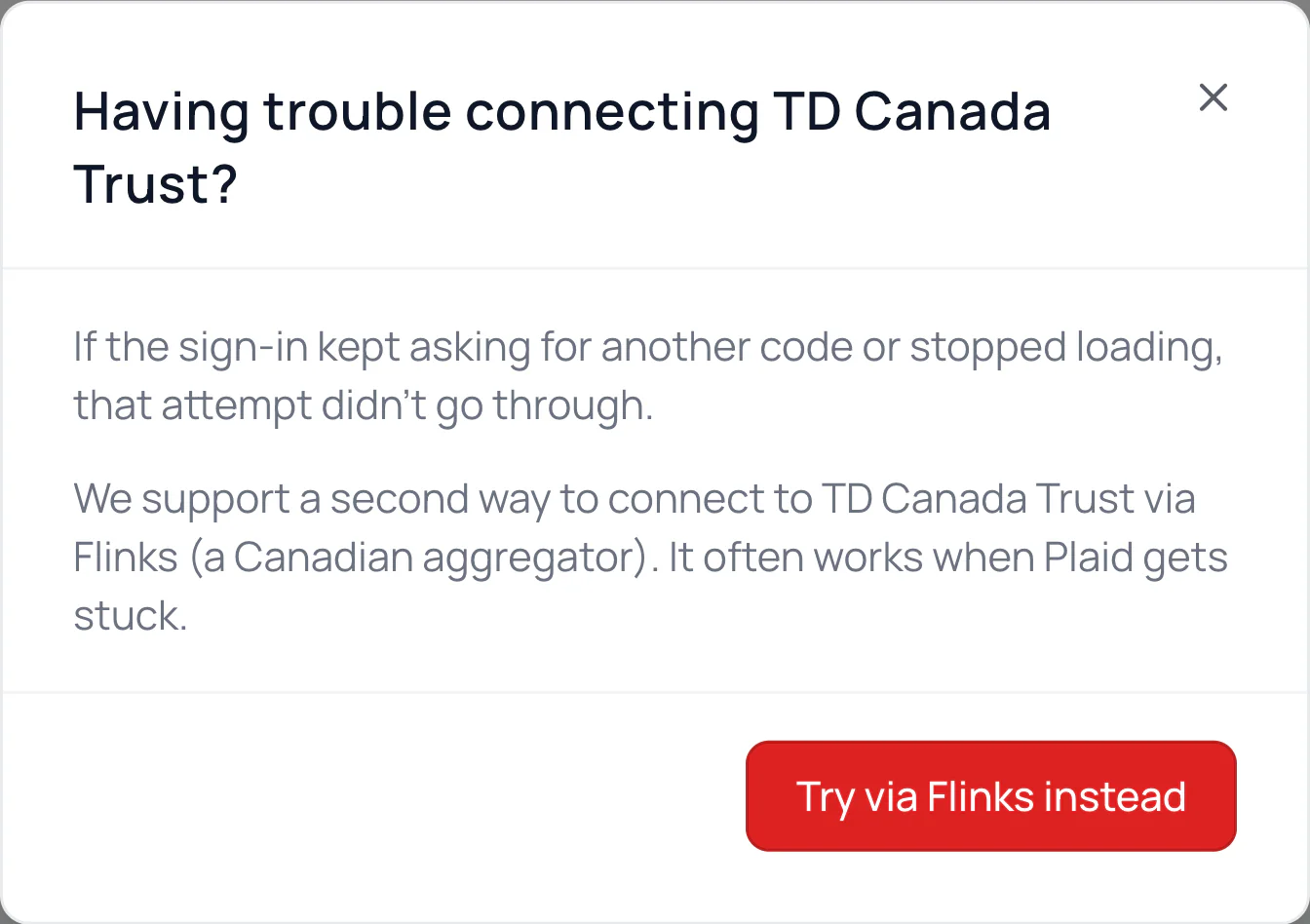
Have your phone in hand. Approve the request in your bank’s app, or type the code it sends, right away.
Kept asking for another code, stopped loading, or closed early? That try didn’t go through, so start again.
Your Bank Needs a Step First
Your bank may want you to accept new terms or confirm your details. Do that on your bank’s website, then connect again.
Your Bank Isn’t Available Right Now
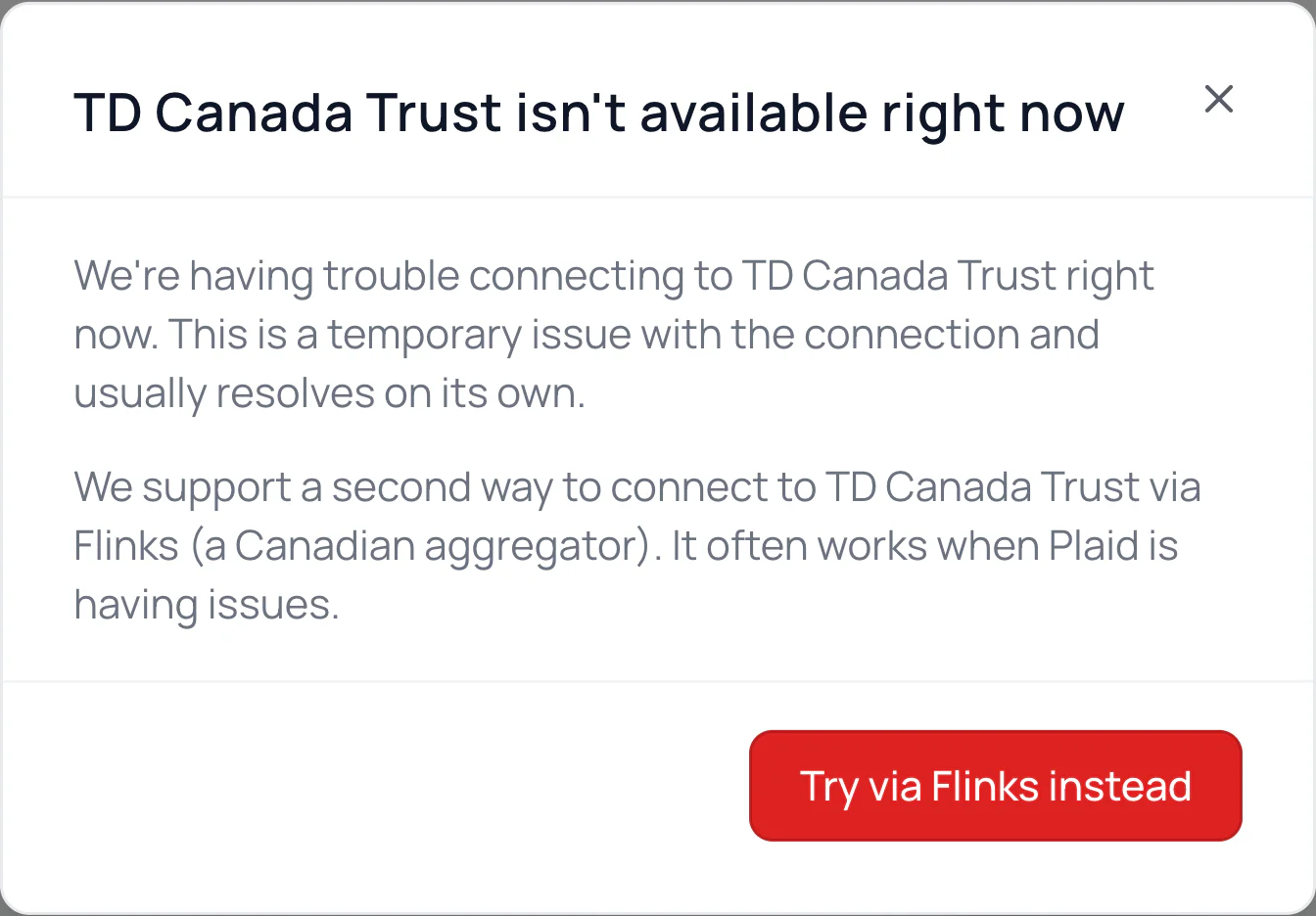
It’s a temporary connection problem that usually clears on its own. If you see Notify me when it’s back, click it and we’ll email you.
An Account Is Missing
Connected, but an account isn’t there? Click Add account at the bottom of that bank. Here’s how.
Common Questions
Try again, or connect at waypointbudget.com on a computer. It then shows up in the app too.
Free has no bank connections, and Plus has one. See Plans, Free Trial and Cancelling.
Message us from Help & Support with your bank’s name and what the message said.
Read Next
Still stuck? Use the ? at the top of the app to ask the Waypoint Guide, or message us. A person from our team will get back to you.