How Waypoint Budget Works
Your income, a budget for each category, and what’s left this month
Your monthly income sits at the top of your budget. Each category gets a budget of its own, and spending there counts against it. Remaining on your Dashboard shows what’s left this month.
Income and Category Budgets
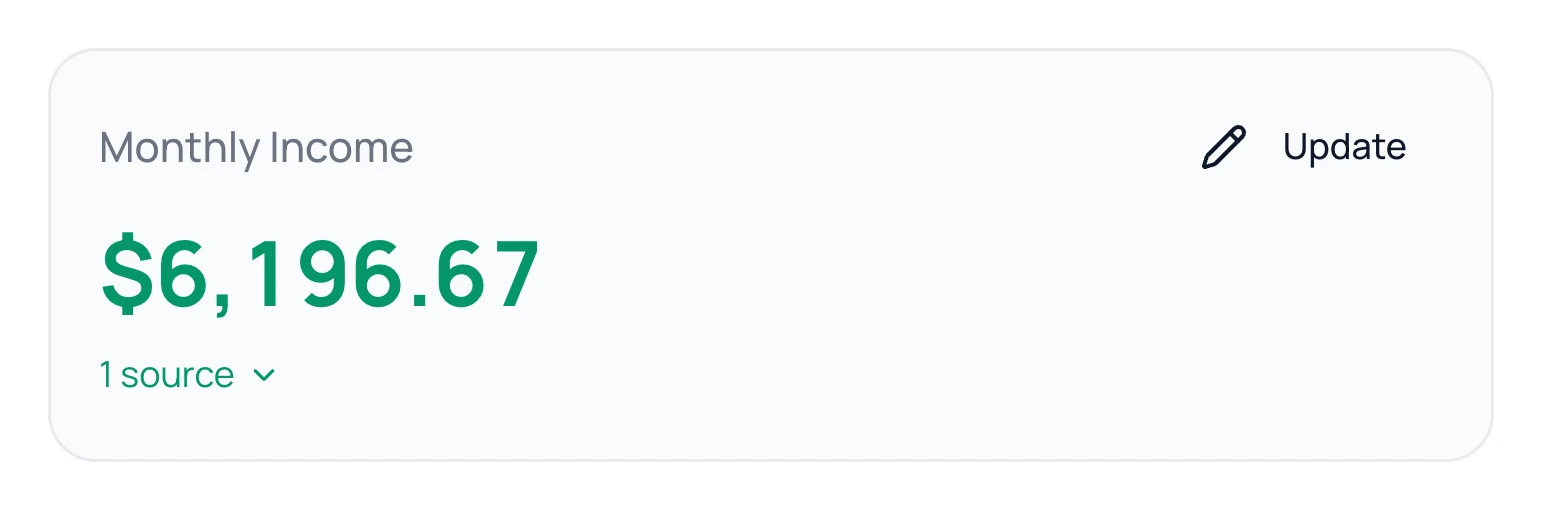
On Budget, your income is the Monthly Income card. Each category under Categories has a budget, like $600 a month for Groceries.
A category’s budget is a plan, not money you move. You don’t split your pay between categories. Category Breakdown on your Dashboard shows what’s left in each one.
When a Month Ends
A category set to Starts fresh goes back to its full budget on the 1st. One set to Rolls over keeps what you didn’t spend, for things like a trip or car repairs. See Rollover Categories.
The Three Numbers on Your Dashboard

- Income is the pay you planned for this month. If your income is set to Variable, it’s what has come in so far.
- Spent is what you spent this month, minus refunds. Money you set aside in a rollover category isn’t counted.
- Remaining is Income minus Spent, minus money you set aside in rollover categories this month.
Remaining isn’t your bank balance. Want to know what you can spend from your accounts before payday? See Safe to Spend.
Common Questions
On Fixed income, Income is the whole month’s planned pay, so Remaining doesn’t dip before payday. The line under Income tracks what has come in.
No. On Budget, money left is income you haven’t budgeted yet. Remaining is income you haven’t spent or set aside.
No. Income you haven’t budgeted is fine. It still counts in Remaining until you spend it.
Still stuck? Use the ? at the top of the app to ask the Waypoint Guide, or message us. A person from our team will get back to you.