Upcoming Expenses
Each payment due in the next 7 days, where it comes from, and how to look ahead to the end of the month
What’s about to come out of your account this week? Upcoming Expenses lists each payment due in the next 7 days, with the total. It’s on your Dashboard from the start.
What’s on the List
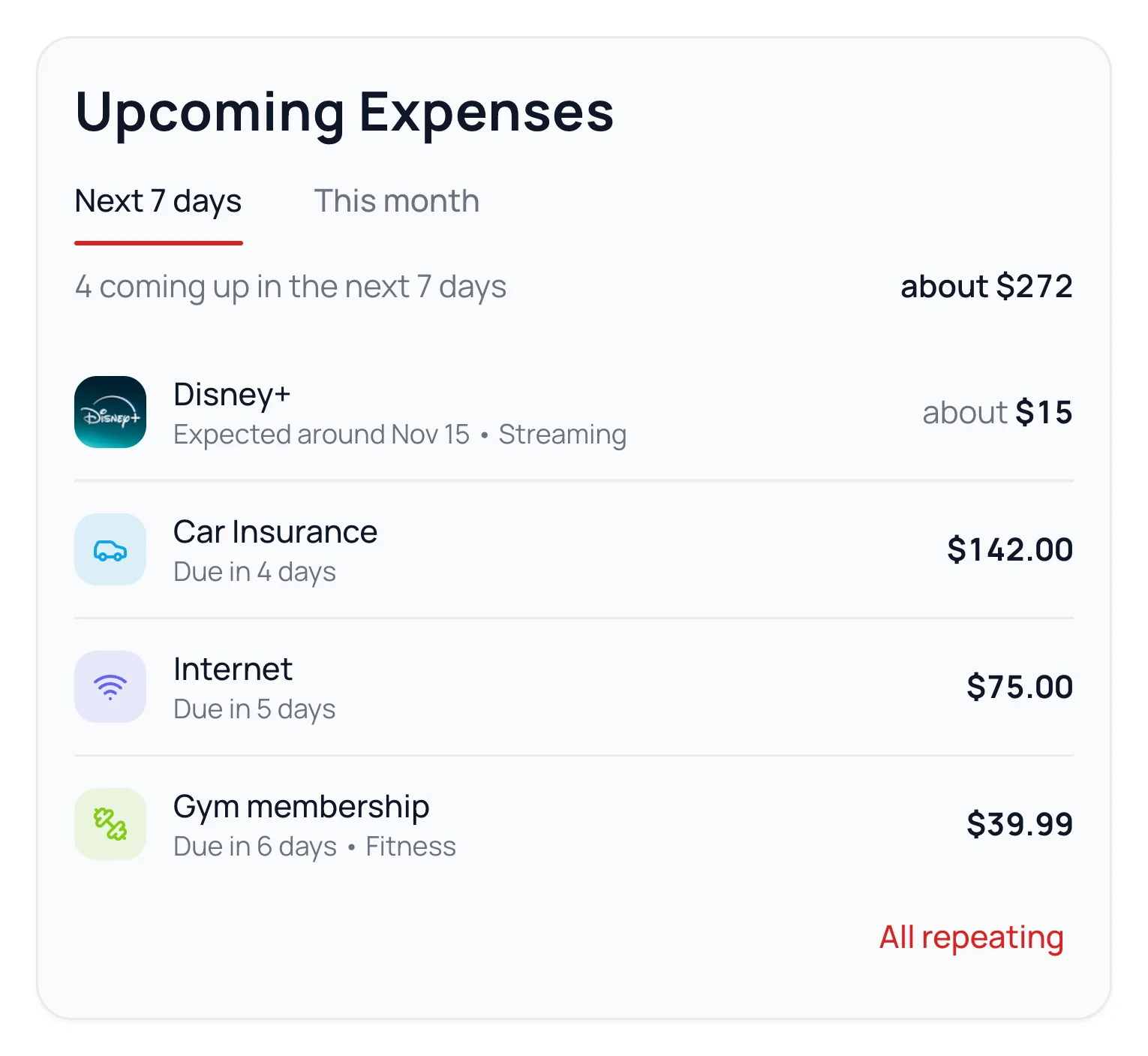
- Repeating expenses you’ve set up, on their dates.
- Regular charges Waypoint Budget spots in your transactions, like a streaming service. They’re predictions, so they read Expected around a date, with about before the amount.
- Categories with a payment day, like Car Insurance on the 17th.
A payment that goes through before its date shows as Paid until then, and leaves the total.
See the Rest of the Month
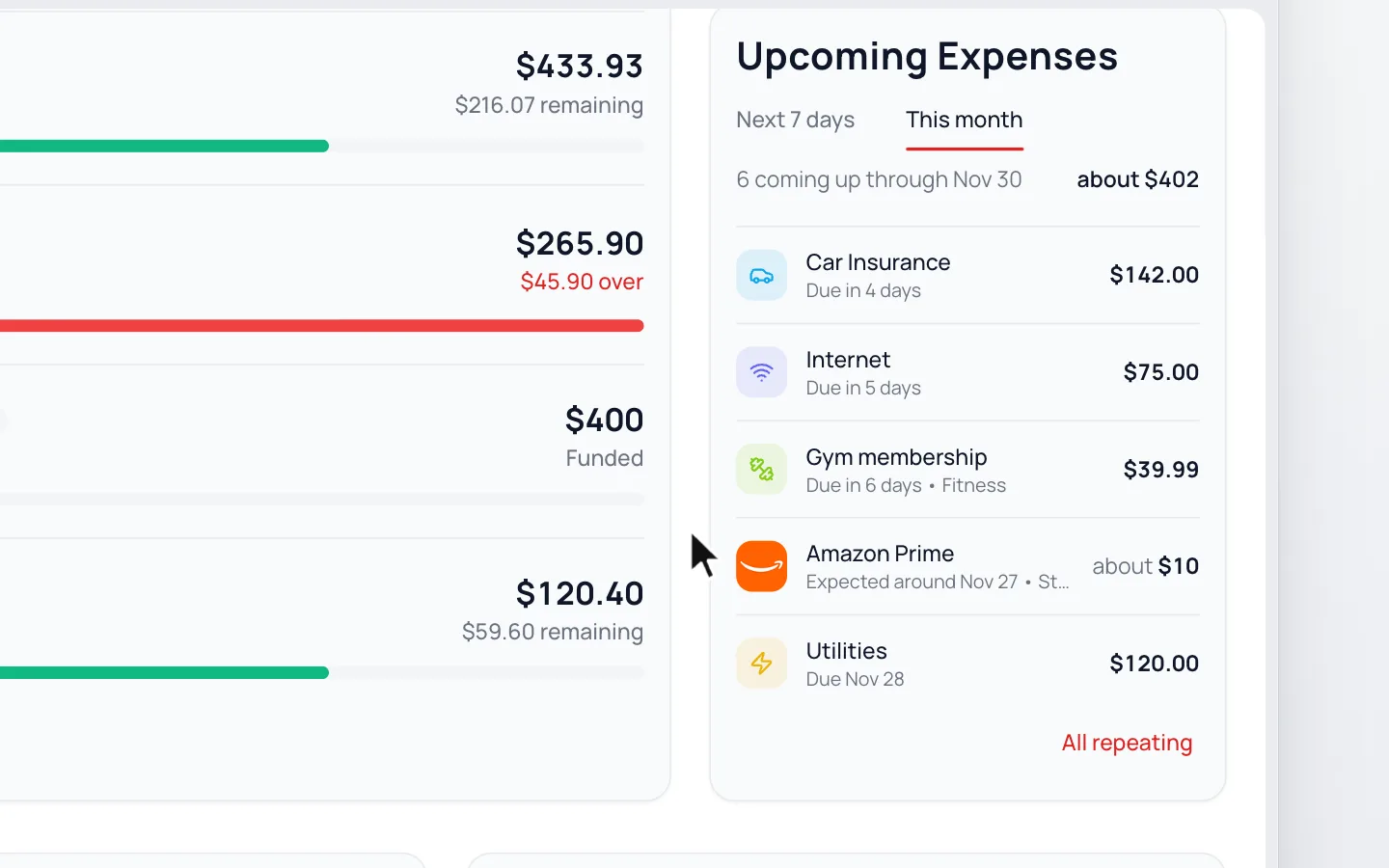
Click This Month to see everything due through the end of the month. Rows more than a week away show their date. The card remembers your choice on that device.
Long lists scroll on a wide screen. On a phone or tablet, the link under the list shows the rest.
Common Questions
Set it up as a repeating expense, or give its category a payment day.
When repeating expenses or regular charges in that category cover at least half of that payment, they’re listed instead, so nothing shows twice. Yearly and quarterly payments aren’t hidden this way. Rollover categories don’t show, since that’s money you set aside.
Yes. Click it to see its past charges, month by month.
Click All repeating under the list, then choose one. You’ll see it once a repeating expense is listed.
In the last week of the month, the next 7 days already reach the end of it, so there’s one list.
Pick another month at the top of your Dashboard, and the card is named for that month, like Expenses in October. It lists that month’s categories with a payment day.
Read Next
Still stuck? Use the ? at the top of the app to ask the Waypoint Guide, or message us. A person from our team will get back to you.