Build Your Budget
Answer a few setup questions for a starter budget, then change it on the Budget page
The Setup Questions
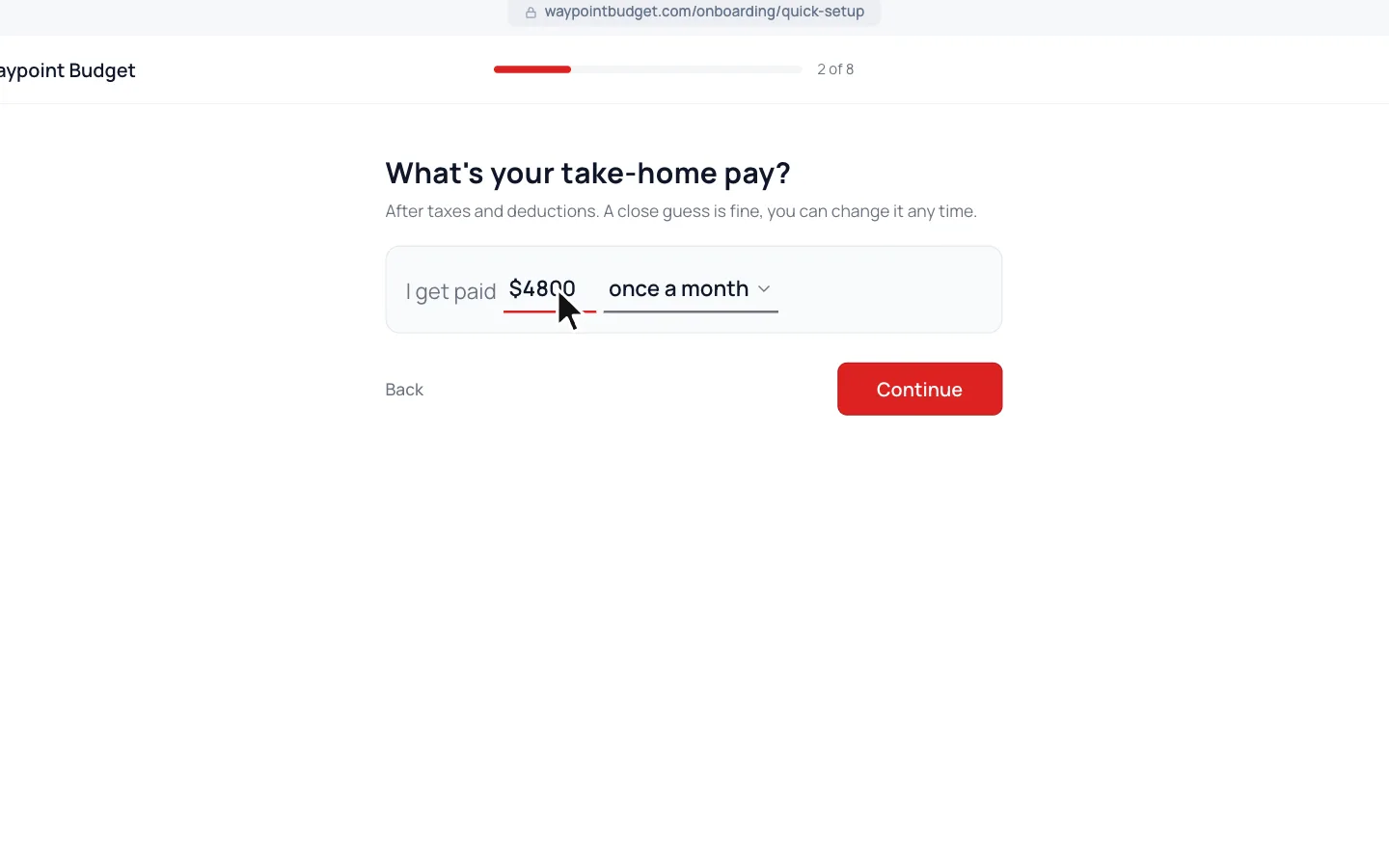
What’s your take-home pay? asks what lands in your account each payday, and how often. A close guess is fine.
Who’s this budget for? decides how you start.
Starter Budget
Pick Just me, My partner and me, My family or I’m a student. A few more questions fill in your categories, with amounts sized to your pay.
Good for a fast start
Blank Budget
Click Start from a blank budget instead. You add your own categories on the Budget page.
Good for planners who know their categories
Want to change your income later, or add a second one? See Set Up Your Income.
Add a Category
- 1.
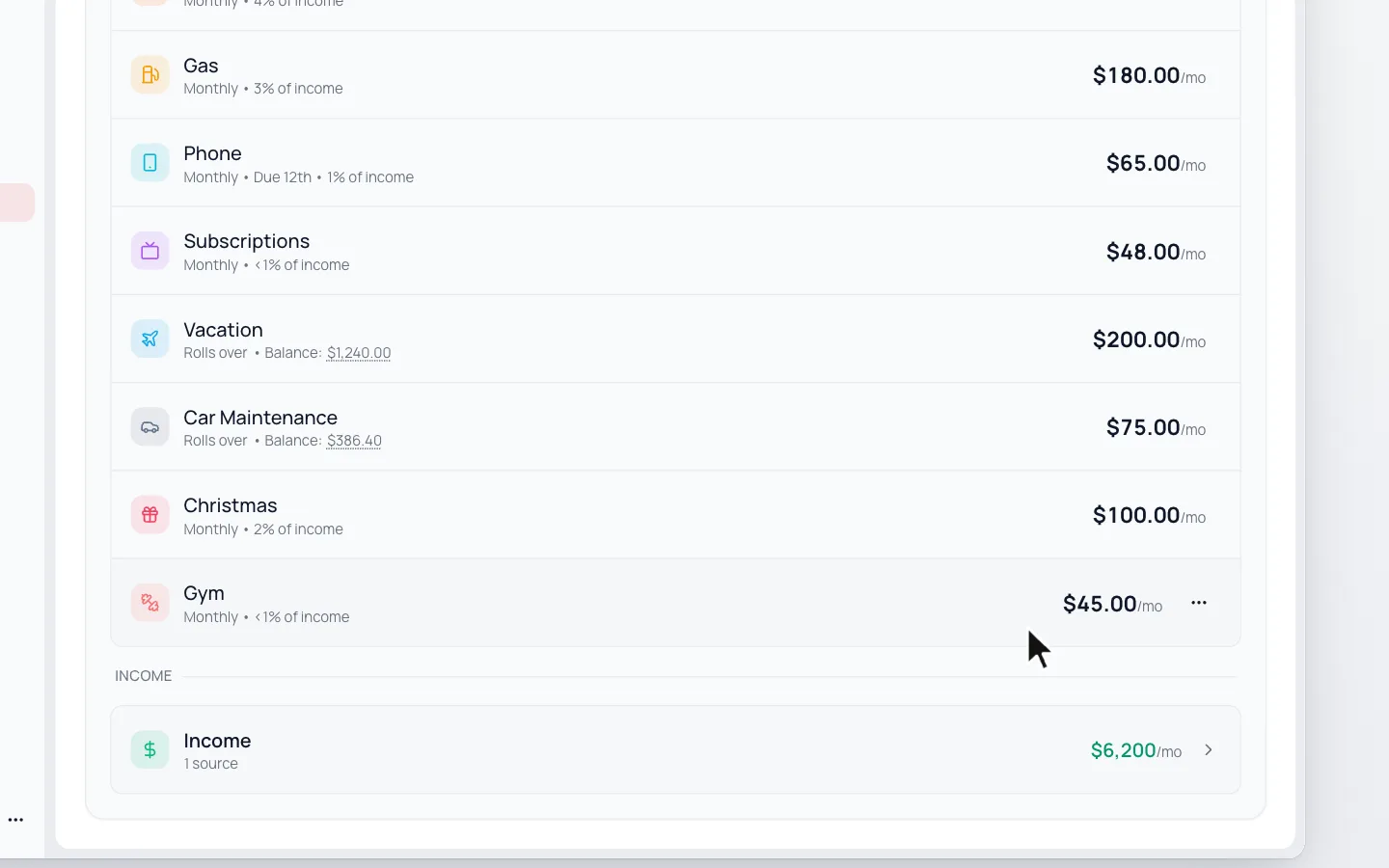
Go to Budget and click Add Category on the Categories card.
- 2.
Type the amount and name.
- 3.
Change How often? if it isn’t monthly.
- 4.
Fill in Payment Day (Optional) if it’s due on a set day each month, like rent.
- 5.
Click Save Category.
Change a Category’s Budget
- 1.
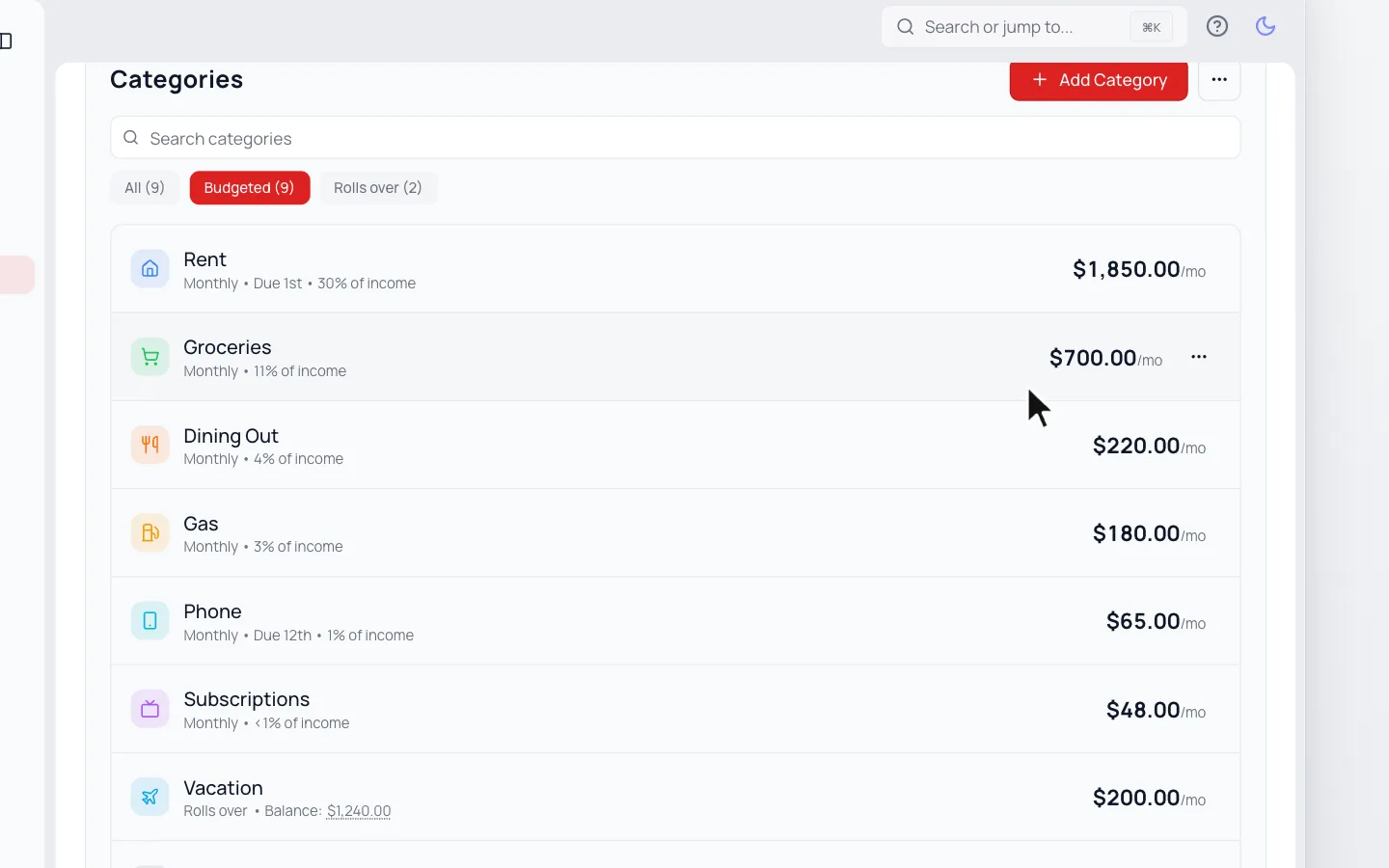
Go to Budget and click the category in your Categories list.
- 2.
Change the amount, How often? or Payment Day (Optional).
- 3.
Click Save Budget.
Still stuck? Use the ? at the top of the app to ask the Waypoint Guide, or message us. A person from our team will get back to you.