Reconnect Your Bank
What to do when a bank asks you to confirm it’s you again
Bank asking you to confirm it’s you again? Nothing’s wrong with your account, and it takes about a minute.
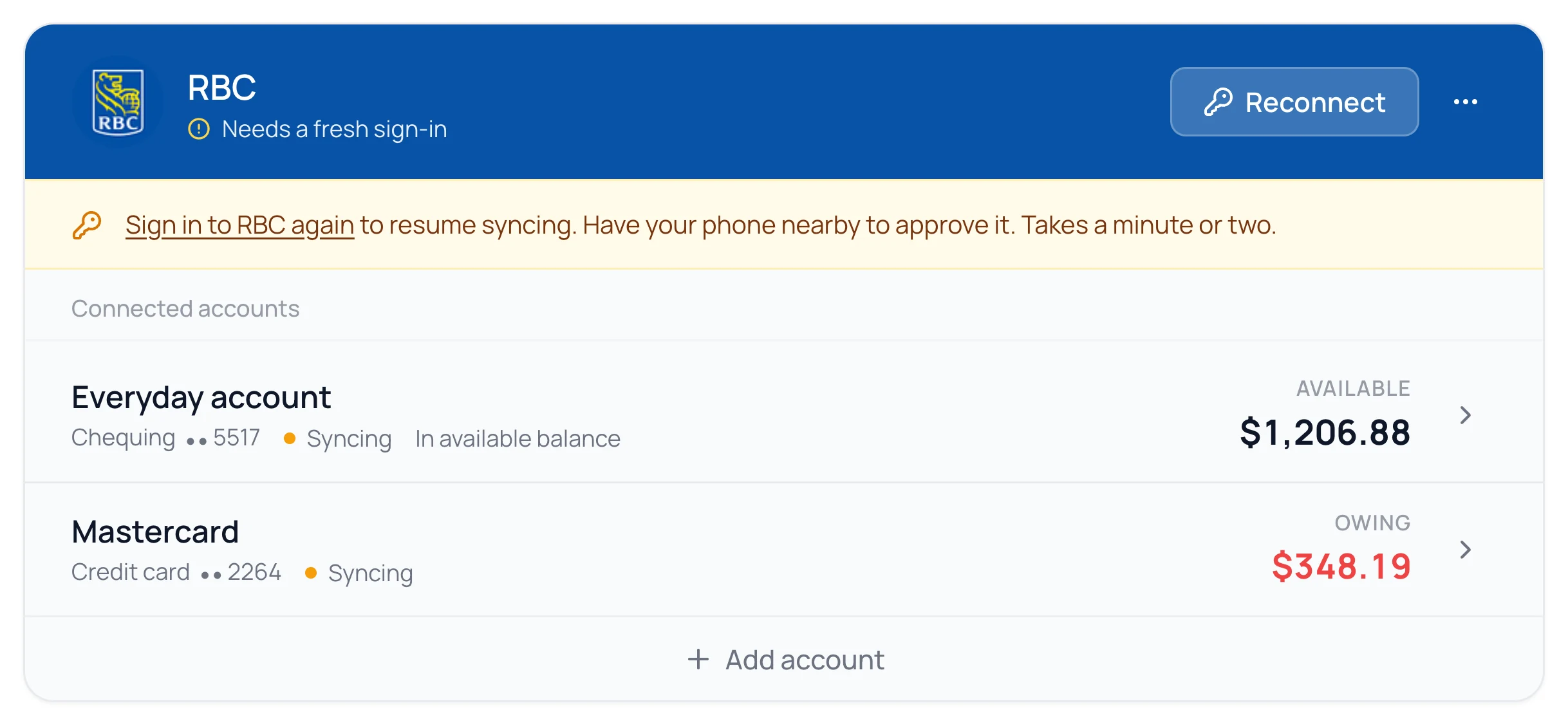
Reconnect a Bank
- 1.
Go to Banks.
- 2.
Click Reconnect on the bank, once.
- 3.
Approve the request in your bank’s app, or type the code it sends.
Common Questions
No. Your categories live in Waypoint Budget, and your history reattaches when the bank reconnects.
Banks with strict 2-step verification make every app ask again, some on every sync. It’s their rule, and the same in every budgeting app.
Wait a day before trying again, and click only once next time. Too many tries in a row can trigger the bank’s own lock.
Still stuck? Use the ? at the top of the app to ask the Waypoint Guide, or message us. A person from our team will get back to you.